
084x Spam Call Blocker (Open Source)
A private call blocker for UK 084x and 087x scam numbers.
Stopping the calls nobody else would stop
At a glance
| The problem | Scam and nuisance calls from UK 0845 and 0843 numbers, day and night, with the last digits changing on every call |
| Who couldn't fix it | Apple's built-in blocking, O2 UK's network filtering, and the rules Ofcom sets for phone companies |
| What I built | A private blocker for my iPhone that covers 70 million numbers, plus a dashboard that shows what it stops |
| Running cost | About $2 a month for storage, plus server time only while it is awake |
| Time | About one week, from first attempt to live dashboard |
The problem: a phone that wouldn't stop ringing
The calls came from numbers starting 0845 and 0843. Morning, evening, weekends. My carrier, O2, even showed the words "Suspected Spam" on the screen. Then it put the call through anyway.
Blocking a number on an iPhone is easy. You tap the caller and choose "Block". That stops one number. The next call came from the same prefix with different digits after it, and the phone rang again. You can't block a caller whose number changes every time.
What I needed was simple to say: block every number that starts with 0845 or 0843. Nobody offered it.
these numbers are calling me day and night that no Ofcom, O2 or Apple can stop. So I stopped them myself.
Why the usual answers didn't work
Apple: the iPhone can't block a prefix
iPhones have no setting for "block everything starting with 0845". Call-blocking apps don't get one either. Apple makes them hand over a list of individual phone numbers.
- The numbers are huge. One prefix like 0845 covers 10 million numbers.
- Apple caps the lists. An Apple engineer describes an informal limit of about 2 million numbers per list. My first attempt with all 10 million was rejected outright.
- Free accounts are tightly limited. A personal app on a free Apple account can use 10 app identifiers, and it stops working every 7 days unless it is reinstalled.
- "Blocked" didn't mean blocked. When my blocker matched a scam call, the phone's own logs showed iOS chose to silence it rather than reject it. Then Live Voicemail answered the call on screen. The scammer still got through to a live screen, just a quieter one.
- Apple's better option is gated. Apple has a newer system where a phone asks a server about each caller. It is meant for apps Apple has approved.
O2: the network knew, and connected the call anyway
The phone's records showed the words "Suspected Spam" came from O2's own network. They were written into the caller name before the call ever reached my phone. O2 had identified the call as likely spam. It still connected it.
I'm not the only one
The forums tell the same story. Apple's support community has threads like "Blocked callers still ringing through". Developers on Apple's own forums report call blocking failing after iOS updates. Customers on carrier forums trade workarounds. People are fed up. Most of them can't build their way out.
What I built
Two layers, one on the phone and one in the cloud, plus a dashboard to see it working.
1. Every 0845 number, stored on the phone
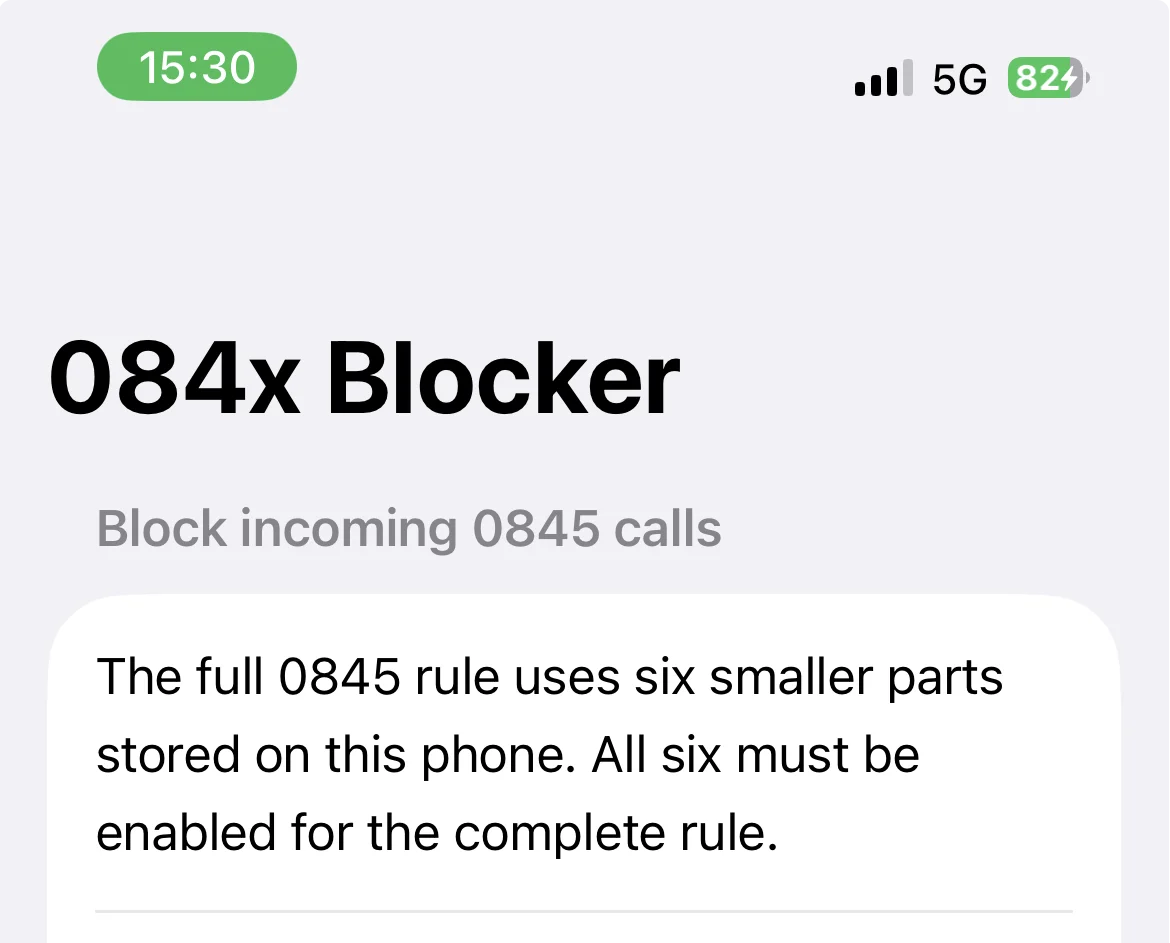
All 10 million 0845 numbers sit on the iPhone itself, split into six lists to fit under Apple's limit. This part needs no internet. On 29 September a real scam call from an 0845 number hit the list. The phone's call history recorded it as blocked by an app, the only call in the whole history with that mark.
2. 60 million more numbers, checked privately in the cloud
The phone has no room for more lists, so the rest live on a small private server in London:
- 0843 and 0844
- 0870, 0871, 0872 and 0873
When an unknown caller rings, the iPhone asks the server one question: "should I block this number?" It asks in encrypted form, using Apple's own privacy technology, so the server never learns who is calling. It answers without seeing the question. I could use Apple's normally approval-only system because the app installs straight from my Mac, never through the App Store.
- Fast: a lookup takes under a fifth of a second.
- Asleep when idle: the server sleeps when nothing is happening and wakes in under a second when a call arrives. You only pay while it is awake.
- Private by design: calls from contacts never reach it, and the lookup itself never records a number. The only numbers on the server are the dashboard's list of blocked calls, sent from my Mac and kept behind a password.
3. A safety net
If the cloud part ever can't run, a phone-only backup is ready. It fits the 0843 blocks that are actually in use into the last three app slots the free account allows.
4. A dashboard
A private, password-protected web page shows what the blocker is doing (more below).
5. A weekly upkeep button
Free Apple accounts make apps expire after 7 days. One command renews and reinstalls everything, and it does nothing if renewal isn't due yet.
The hard parts, in plain terms
Fitting 60 million numbers on the cheapest server. Apple publishes a sample server for this kind of lookup. As published, it loads its entire database into memory. For 60 million numbers that would have meant about 17 GB of memory and a server bill well over $100 a month. I changed it to read only the small piece of the list each call needs. It now runs the whole list in under 100 MB, on the smallest machine available.
Making sleep safe. The sample server forgot its security keys every time it restarted. After every nap, the phone's next question would have been refused. I made it keep those keys on disk, then proved it: a test client did its setup, the server went to sleep, and the client's next lookup still worked without setting up again.
Proving nothing was missed. A blocklist with gaps is a false promise. An automated check went through all 60 million numbers and confirmed each was present exactly once, with none missing and nothing extra. Spot checks then asked the live server about real numbers from every range, and about the numbers just outside each range that must stay allowed.
Finding out what iOS actually does. Apple doesn't document how blocked calls behave. I read the phone's own system logs from the moment of a scam call. They showed the call was matched and then silenced rather than rejected. That's why turning off Live Voicemail is part of the setup.
The dashboard: seeing it work
The server can't see phone numbers, so measuring the blocker takes two halves. The server logs every lookup it answers, with no numbers in it. My Mac reads the phone's call history privately and matches each call to a server lookup at the same moment. A blocked call on a server range, with a lookup at that exact second, is proof the server stopped it.
The dashboard shows:
- A one-line status: working, an error to look at, or the weekly renewal coming due
- Calls blocked, in the last 7 or 30 days
- Every incoming call by outcome: blocked in the cloud, blocked on the phone, rang from an unknown number, or rang from someone I know
- Unknown callers looked up per day, and how fast each answer came back
- A breakdown by number range, including how often O2 labelled a call as suspected spam
- Server health: errors, refused requests and restarts
- A scrolling list of the numbers that were blocked, under the line quoted above
Need something similar, customised for you? Get in touch.